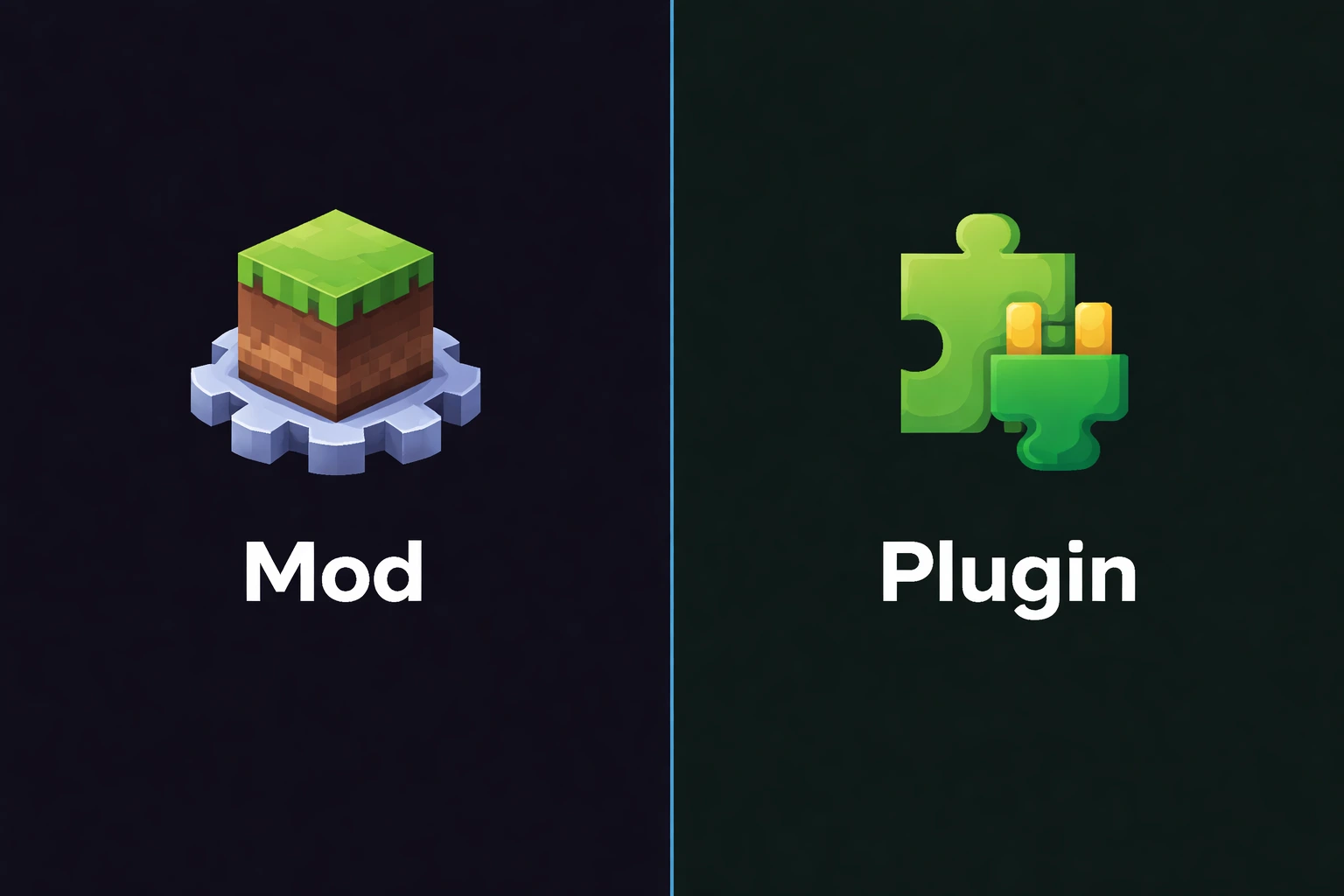
Mods vs Plugins
What is the difference between mods and plugins?
Minecraft mods and plugins: what are they?
Mods and plugins are two ways to add content or features to Minecraft, but they work in fundamentally different ways. Understanding this difference is essential if you want to set up your server correctly.
A mod directly changes the game (new blocks, mobs, dimensions, mechanics). A plugin adds server-side features without changing the game itself (protection, economy, commands). This is not just a wording difference, it changes everything technically.
Why this difference matters
Choosing between mods and plugins determines which server software you use, what your players need to install, and your server performance profile. A wrong choice early can force you to rebuild everything later.
Mods require a mod loader (Forge, NeoForge, or Fabric), and players must install the same mods as the server. Plugins run on Paper/Spigot, and players can join with a vanilla client without installing anything.
For the plugin side, see Paper vs Spigot. For the mod side, see Forge, Fabric, and NeoForge vs Forge.
Can you combine both?
Mods vs plugins: full comparison
Here are the practical differences between mods and plugins across the criteria that matter most for a Minecraft server.
| Criteria | Mods | Plugins |
|---|---|---|
| Definition | Change game code (client + server) | Add server-side features only |
| Server platform | Forge, NeoForge, or Fabric | Paper, Spigot, or Purpur |
| Player installation | Players must install the same mods | No install needed, vanilla client is enough |
| Content type | New blocks, items, mobs, dimensions, mechanics | Commands, protection, economy, minigames, administration |
| Performance | Often heavy on RAM and CPU | Usually lightweight and optimized |
| Cross compatibility | Frequent conflicts between mods | Plugin conflicts are less common |
| Minecraft update speed | Slower, mods must be ported one by one | Faster, Paper and major plugins update quickly |
| Popular examples | Create, Mekanism, Biomes O'Plenty, JEI | EssentialsX, WorldGuard, Vault, LuckPerms |
| Best for | Transformed gameplay, modpacks | Server management, communities, minigames |
Some projects exist as both a mod and a plugin (example: Dynmap). Always check the version that matches your platform.
Warning
plugins/ folder, and the other way around. They are separate ecosystems.How to choose between mods and plugins step by step
Your choice depends on what you want your server to do. Follow this quick path to make the right call.
Define your goal
Think about your players
Estimate your RAM budget
Check version compatibility
Choose your platform
To size RAM correctly for either modded or Paper servers, use how much RAM for a Minecraft server.
Key takeaways
Mods and plugins solve different problems. The best option depends on your project and audience.
Quick decision checklist
- •Mods = new gameplay content (blocks, mobs, mechanics), plugins = server management (commands, protection)
- •Mods require player-side installation, plugins do not
- •Plugins are usually lighter on RAM and CPU than mods
- •Mods are slower to update on new Minecraft versions
- •Hybrid servers (Mohist, Arclight) exist but stay niche
- •You can use datapacks as a lightweight alternative for simple content
Which host should you pick based on your choice?
A plugin server and a modded server do not have the same needs. Pick the right plan to avoid underpaying or overpaying.
Paper + plugins server (1-15 players)
RAM: 2-4 Go
Players: 1 to 15 players
Price: ~3-7€/month
✓ Ideal for: For a community server with classic plugins (protection, economy, ranks).
Light modded server (5-15 players)
RAM: 4-8 Go
Players: 5 to 15 players
Price: ~8-15€/month
✓ Ideal for: For a light to medium modpack (50-100 mods) like Better Minecraft or Create.
Heavy modded server (10-30 players)
RAM: 8-12 Go
Players: 10 to 30 players
Price: ~15-25€/month
✓ Ideal for: For big modpacks (All The Mods, RLCraft) or a modded community server.
Mods or plugins: what fits you best?
If you want a server that is easy to manage, easy to join with no install, and stable: choose plugins on Paper. It is the most common and easiest setup to maintain.
If you want a fully transformed gameplay with new content, new mechanics, and an immersive modpack: choose mods on Forge, NeoForge, or Fabric. Plan more RAM, and expect players to install the modpack.
In short
Frequently asked questions about Minecraft mods vs plugins
Can you use mods and plugins at the same time?
Can datapacks replace mods?
Why do mods take longer to update?
Can a player with mods join a Paper server?
Which is more performant: mods or plugins?
Ready to launch your Minecraft server?
Here are the best Minecraft hosting deals right now, promo codes included. Still unsure? Our quiz finds the ideal host for you in under 2 minutes.
My box 4
Minestrator
Specifications
Compatible games
Features
- ✓Hébergement web inclus
- ✓DDoS Protection
- ✓Backups
Casual (budget)
Shockbyte
Specifications
Compatible games
Features
- ✓1GB RAM
- ✓Protection DDoS
- ✓Support 24/7
- ✓Setup instantané
Minecraft — 2 Go
WinterNode
Specifications
Compatible games
Features
- ✓2 Go de RAM au minimum
- ✓CPU sans limite fixe, sous politique d'usage raisonnable
- ✓Stockage NVMe sans limite fixe, extension sur demande
- ✓Sauvegardes automatiques toutes les 12 heures
- +2 more features