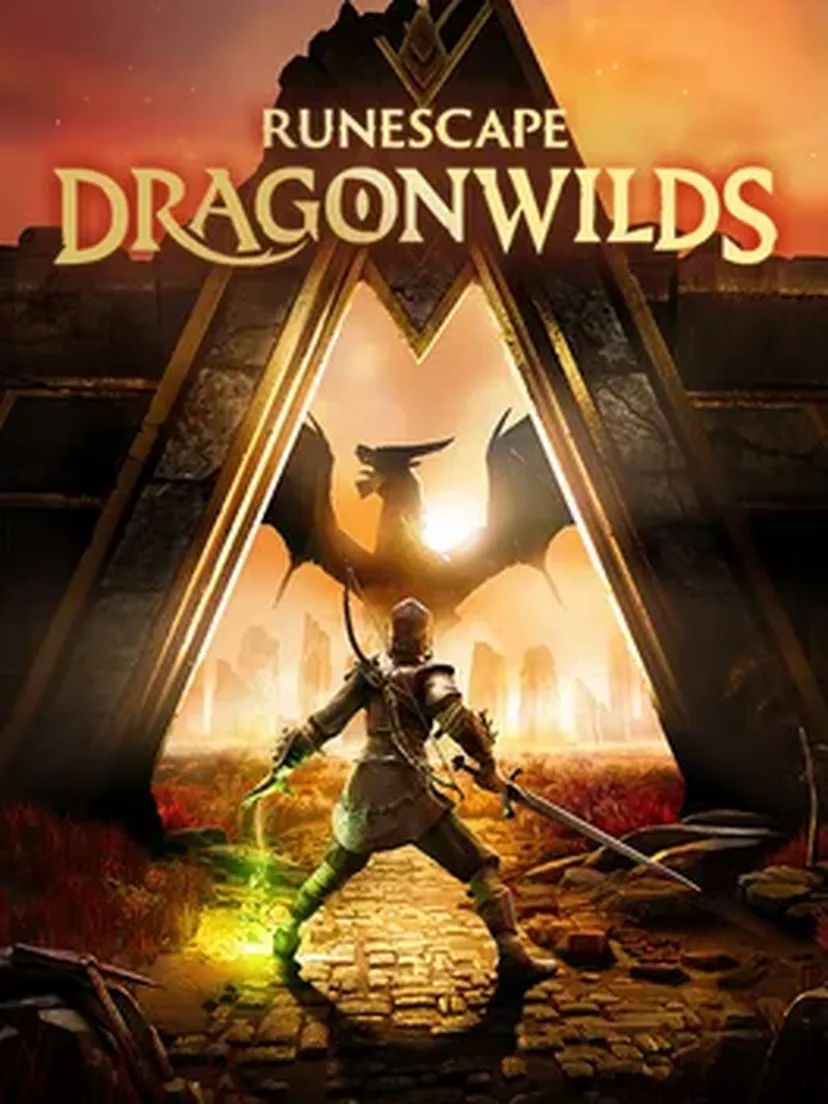
RuneScape: Dragonwilds
Best RuneScape: Dragonwilds server hosting in 2026 - Comparison of 4 offers
RuneScape: Dragonwilds is a cooperative survival and crafting game developed by Jagex, the studio behind RuneScape. Released in early access on Steam in April 2025 and updated regularly, the game is set on Ashenfall, a forgotten continent overrun by dragons. Alone or in a group of up to 6 players since the 0.11 Dowdun Reach update, you must gather resources, build a base, develop your skills, and prepare your runes to eventually face the Dragon Queen. The game runs on Unreal Engine 5 and features the iconic RuneScape skill system (Woodcutting, Crafting, Magic, Runecrafting…). Mods are supported via Nexus Mods, with official guidelines published by Jagex.
Starting price
5.34 € / month
Offers compared
4
Mods supported
Yes
Updated
10/15/2026
Not sure which host to choose for RuneScape: Dragonwilds?
Answer a few questions and get a personalized recommendation in 2 minutes.
RuneScape: Dragonwilds — 3 Go
WinterNode
Specifications
Compatible games
Features
- ✓3 Go de RAM au minimum
- ✓CPU sans limite fixe, sous politique d'usage raisonnable
- ✓Stockage NVMe sans limite fixe, extension sur demande
- ✓Sauvegardes automatiques toutes les 12 heures
- +2 more features
Ashwood
Shockbyte
Specifications
Compatible games
Features
- ✓Automatic Backups
- ✓Anti-DDoS
Iron
Shockbyte
Specifications
Compatible games
Features
- ✓Automatic Backups
- ✓Anti-DDoS
Anima
Shockbyte
Specifications
Compatible games
Features
- ✓Automatic Backups
- ✓Anti-DDoS
Quick answer
What is the best host for a RuneScape: Dragonwilds server?
To host a RuneScape: Dragonwilds server, you need a minimum of 2 GB of RAM plus 1 GB per additional player. For a full 6-player server, plan for 8 GB of RAM.
Why choose a dedicated host for your RuneScape: Dragonwilds server?
Hosting your RuneScape: Dragonwilds server with a provider gives you a persistent world available 24/7, without depending on any single player's connection. It's the ideal setup for groups of friends who want to progress at their own pace through Ashenfall — with their base, skill levels, and gear saved between sessions.
How to choose your RuneScape: Dragonwilds host: essential criteria
Recommended RAM based on your usage
| Configuration | Players | Recommended RAM | Estimated price |
|---|---|---|---|
| Duo or small session | 1–2 | 4 GB | From €6.90/month |
| Friend group | 3–4 | 6 GB | From €8/month |
| Full server (max players) | 5–6 | 8 GB | From €10/month |
| Modded server (max players + mods) | 5–6 + mods | 10–12 GB | From €12/month |
Location and latency
RuneScape: Dragonwilds servers communicate via UDP port 7777 by default (7778, 7779, etc. for additional worlds). Choose a data centre close to your players' location to minimise latency. The game runs on Unreal Engine 5, which is particularly demanding on single CPU cores — opt for a host with modern processors and NVMe SSD storage for smooth world loading and no stutters when exploring new areas.
Control panel
Configuring a RuneScape: Dragonwilds server is done via the DedicatedServer.ini file, accessible via FTP or your host's file manager. Key settings include: server name (Server Name), your Owner ID (visible at the bottom of the in-game Settings menu), Admin Password, and Default World Name. Important: client and server version numbers must match exactly after each game update — a version mismatch will hide your server from the list. You can also import a locally created world by copying the .sav file from C:\Users\[name]\AppData\Local\RSDragonwilds\Saved\SaveGames to the server's SaveGames folder.
English support
Since RuneScape: Dragonwilds is still in early access with regular updates, choose a host that can update server binaries quickly after each Jagex patch — a version mismatch between client and server prevents players from joining. Leading Jagex-approved hosts offer 24/7 support and automatic or semi-automatic updates. Make sure your host provides automatic backups, which are essential before major updates that may require a world reset.
Frequently asked questions
RuneScape: Dragonwilds guides
Our tutorials and guides to set up and optimize your RuneScape: Dragonwilds server.